


Ask across the business
Find the customer, work, document, or transaction behind a question without searching system by system.

01 TeamDots — the AI business operating platform
TeamDots connects customers, work, calendars, documents, sales, and operations—then gives AI the business context to find answers, surface what needs attention, and help your team move work forward.
01
Connected intelligence
TeamDots gives AI more than an isolated prompt. It gives it the relationships between your customers, people, work, schedules, documents, and money—within the access your organization controls.
Find the customer, work, document, or transaction behind a question without searching system by system.
Summarize activity, draft a response, extract details, and suggest a useful next step from connected records.
Respect permissions, preserve the source context, and put important decisions in front of the right person.
02
Connected business flow
Your team should not have to reconstruct customer history from different applications before taking the next step.
03
Core operating areas
Connect Customers, Quotes, Sales Orders, Invoices, and Payments in one commercial history.
Coordinate Work and Calendar activity across people, teams, locations, and customer commitments.
Maintain Products & Services and Price Lists for consistent quoting, ordering, and billing.
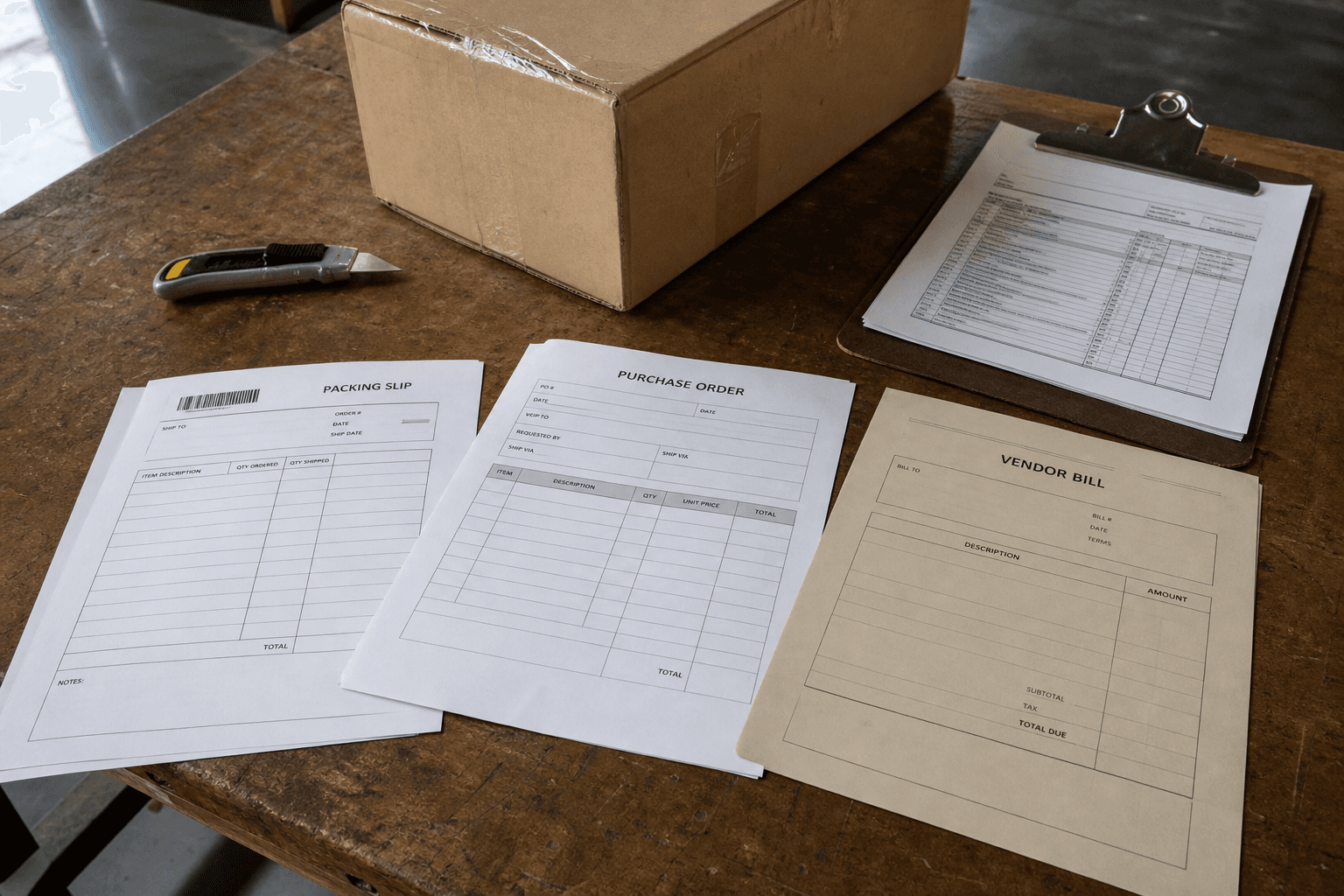
Manage Vendors, Purchase Orders, and Bills with the context behind every purchase.
Keep Documents connected to business records and turn operating activity into useful Reports.
Organize Members, Teams, responsibilities, permissions, and Settings around how the business operates.
Why TeamDots
Separate tools each hold one piece of the story. TeamDots connects daily activity around the same people, customers, vendors, work, and business records.
Connected in TeamDots

04
Built for growing organizations
TeamDots adapts to the way your business operates without losing the connections between customers, people, work, and money.
Customer requests, crews, schedules, job files, and billing often live in separate tools.
Keep the office and field team working from the same customer and work history.
Client context gets split across inboxes, file storage, task tools, and billing systems.
Connect every client request to the people, documents, work, and decisions around it.
Spreadsheets and point solutions become harder to coordinate as the organization grows.
Start with one connected area and bring more operations into TeamDots gradually.
Run with context
Connect sales, purchasing, work, calendars, documents, reports, members, and teams—then put AI to work on the full picture.
Need your own infrastructure? TeamDots runs on a dedicated cloud instance